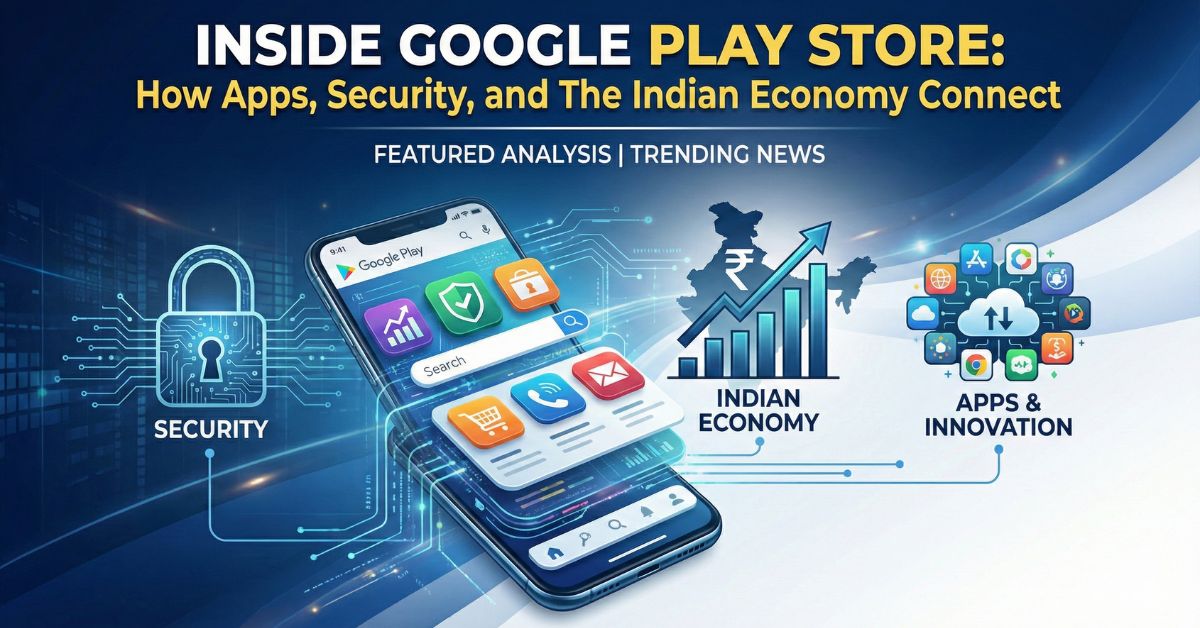
Have you ever wondered how an app travels from a developer’s computer to your smartphone screen? While we click “Install” daily, there is a massive engine running behind the scenes.
Recently, the Google Play Store has been in the headlines in India for fueling a massive Rs 4 lakh crore app economy and announcing its “Best of Play 2025” winners. It is no longer just a digital shop; it is a critical ecosystem supporting over 3.5 million jobs in India.
This article explains exactly how the Google Play Store works, how it keeps your phone safe, and why it is currently a hot topic in India’s tech sector.
The Core Mechanism: How It Actually Works
At its simplest level, the Google Play Store is a digital distribution service. However, it doesn’t just “host” files like a website; it actively manages them through a system called Google Play Services.
When you open the store, you are not connecting to a single server. You are accessing a global cloud network that delivers content based on your device type, location (India), and Android version.
- The “App Bundle” System: Developers don’t upload the exact file you download. They upload an “App Bundle.” Google’s system then breaks this bundle apart and sends only the parts your specific phone needs (like language files or screen resolution graphics). This makes downloads faster and saves data.
- Updates: The store constantly checks your installed apps against its database. If a developer releases a new version, the store calculates the difference (called a “delta update”) so you only download the new code, not the whole app again.
For Users: Security and “Play Protect”
Security is the biggest concern for Indian users. Google uses a system called Google Play Protect to keep phones safe.
- Real-time Scanning: Play Protect scans over 125 billion apps every day globally. It checks apps before you download them.
- On-Device Monitoring: Even after an app is installed, Play Protect runs quietly in the background. If an app starts behaving badly (like stealing data or draining battery suspiciously), Play Protect can warn you or automatically remove it.
- Permission Auto-Reset: If you haven’t used an app for a few months, the Play Store automatically removes the sensitive permissions (like camera or mic access) you gave it, protecting your privacy.
For Developers: How Do Apps Get on the Store?
For the millions of Indian developers, the process is structured and strict.
- Google Play Console: Developers pay a one-time fee ($25) to open an account.
- Submission: They upload their App Bundle, screenshots, and fill in a questionnaire about content (to set age ratings).
- Review Process: Google uses a mix of AI tools and human reviewers to check if the app violates any policies (like fake news, gambling, or malware).
- Publishing: Once approved, the app becomes live in selected countries. A developer can choose to launch only in India or go global.
The Business Model: How Google Makes Money
The Google Play Store is a major revenue generator. Here is how the money flows:
- Service Fees: For most developers, Google charges a 15% service fee on digital goods sold inside the app (like game coins or subscriptions). This drops to 15% (or less) for 99% of developers, though larger companies may pay up to 30% in specific cases.
- Advertising: Developers can pay Google to show their app at the top of search results (e.g., when you search “food delivery,” a specific app might appear as an “Ad”).
Why it matters in India: In 2024-25, reports estimate that the Android ecosystem generated roughly Rs 4 lakh crore for the Indian economy, proving that this business model is fueling a massive industry, not just Google’s profits.
Impact in India: The 2025 Context
The Play Store is currently trending because of the “Best of Play 2025” awards, which highlight how Indian apps are evolving.
- Local Focus: The “Best App of 2025” was awarded to District by Zomato, a dining and event app, showing a shift towards hyper-local services.
- Gaming Boom: The “Best Game” award went to CookieRun India, proving that games customized for Indian culture (with local festivals and languages) are winning.
- AI Adoption: A major trend noted by Google is the rise of Artificial Intelligence (AI) in Indian apps. From photo editors to study tools, Indian developers are aggressively adding AI features to help users.
Future Trends: What’s Next?
The Play Store is changing. We are moving away from simple lists of apps to a more AI-driven experience.
- AI Search: Soon, you might be able to ask the store complex questions like “Find me a photo editor that works offline and has Indian wedding filters,” and it will understand.
- Stricter Rules: Google is cracking down on low-quality apps. We expect stricter verification for loan apps and financial services in India to prevent fraud.
Read More : The Rise of Offline AI:
FAQs
1. Is it safe to download apps from outside the Play Store?
It is risky. Apps from outside (sideloading) are not scanned by Google’s safety checks before installation. They might contain viruses that steal your bank details.
2. Does Google Play Store charge money for downloading apps?
Downloading the store itself is free. Most apps are free, but some “Premium” apps cost money upfront. You can pay using UPI, credit cards, or Play Store recharge codes.
3. Why do some apps disappear from the Store?
Google removes apps if they violate rules (like fake claims, malware, or illegal content) or if the developer stops updating them for a long time.
4. How can I get a refund if I bought an app by mistake?
You can request a refund directly in the Play Store app. If you do it within 48 hours, you usually get the money back quickly. Go to “Payments & subscriptions” > “Budget & history” to start.
5. What is Google Play Pass?
This is a subscription service available in India. You pay a monthly fee to get access to hundreds of premium games and apps without any ads or extra charges.